Free After Effects Project: Clean Glossy Logo Animation (Smertimba Graphics)
Original title: Clean Glossy Logo Animation Tutorial in After Effects | No plugins | Modern Logo Animation
Overview
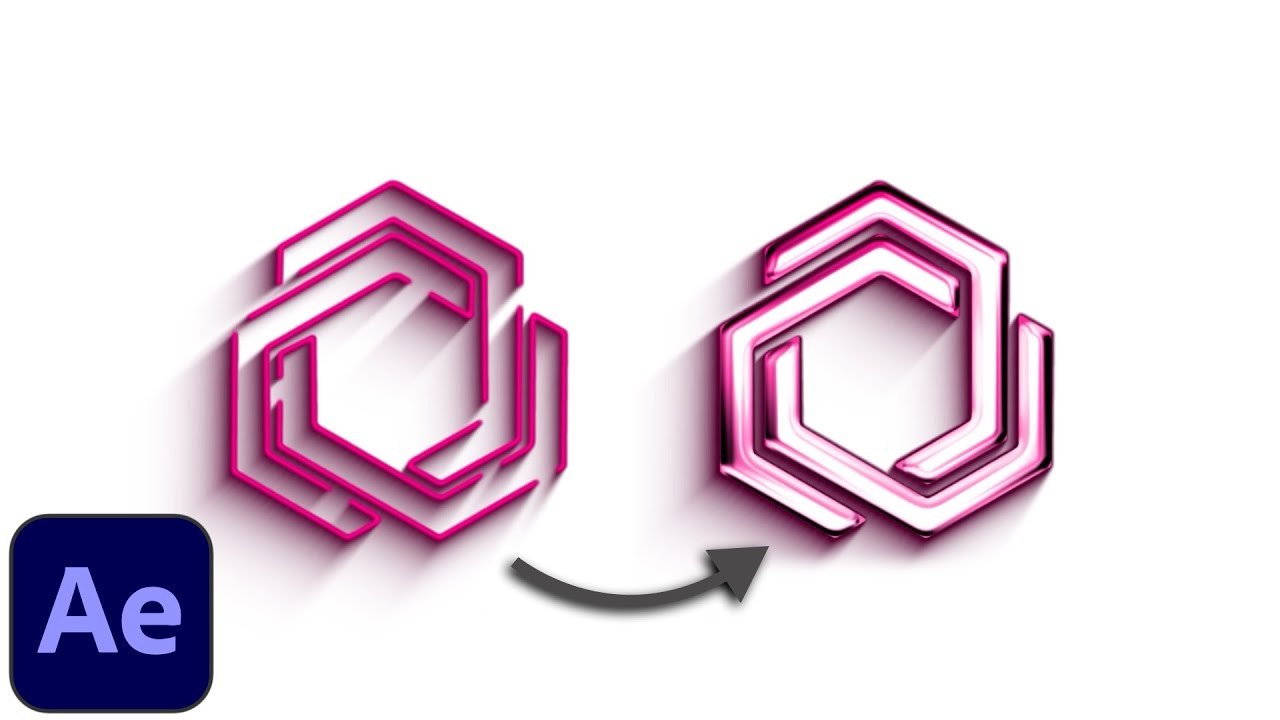
Smertimba Graphics provides this free After Effects project for a clean glossy logo reveal made without plugins or extra files. The tutorial builds a clean 3D-looking stroke outline with its shadow using the Vegas effect, then makes a reflection map with Fractal Noise and uses it with CC Glass and CC Blobbylize for the glossy look, ending in a logo reveal with multiple animation layers.
The project is a small Google Drive .rar (TUT_CLEAN_GLOSSY_LOGO_ANIMATION_01) reached through the bit.ly link in the video description, free with no signup; the version is not stated.
What You Can Learn
- Create a 3D-looking stroke outline and shadow with the Vegas effect
- Generate a reflection map with Fractal Noise for a glossy surface
- Combine CC Glass and CC Blobbylize to fake a glossy finish on a logo
Access: Free direct download