Free Cinema 4D R18 Arnold Scene: Photographic Studio Lighting Setup (Autodesk)
Original title: Studio Lighting
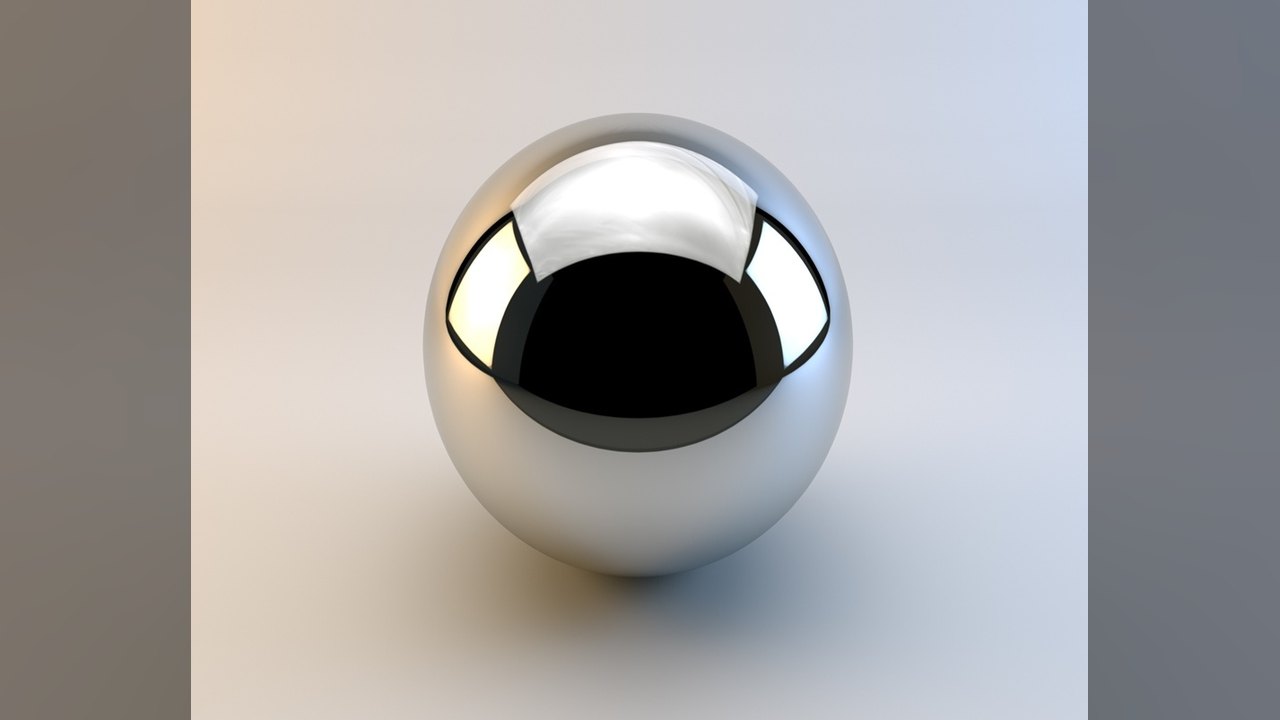
What you get: Project (.c4d) · Cinema 4D R18 · Renderer: Arnold · Includes: scene file
Visit Original ProjectDownload page (Autodesk)Access: Free direct download
Overview
Autodesk shares this scene with the Studio Lighting tutorial in its Arnold for Cinema 4D (C4DtoA) user guide. The scene is a curved backdrop with a floor and side planes, lit by three Arnold quad area lights placed top, left and right like softboxes, with a warm left light (3500) and a cool right light (6500).
The download is studio.zip, which holds studio.c4d (saved in Cinema 4D R18); the HDR maps used for reflections in the tutorial are not included. It is a free direct download from Autodesk with no sign-up, and the C4DtoA plug-in is needed to render it.
What's in the download
studio.zip (262.5 KB) holds 1 file.
Cinema 4D file: studio.c4d
By type: 1 .c4d
Read from the archive's own file index on 2026-11-25. Names, counts and sizes only; the file stays with its creator.
What You Can Learn
- Rebuild a photographic softbox setup from three Arnold quad area lights
- See how warm and cool colour temperatures on the side lights shape a studio render
- Reuse the curved backdrop scene as a lighting stage for your own models
Comments
Loading comments…