Free Premiere Pro Project: Flash Cut Out Transition (Miracamp)
Original title: Flash Cut Out Transition in Premiere Pro (Free Project File)
Overview
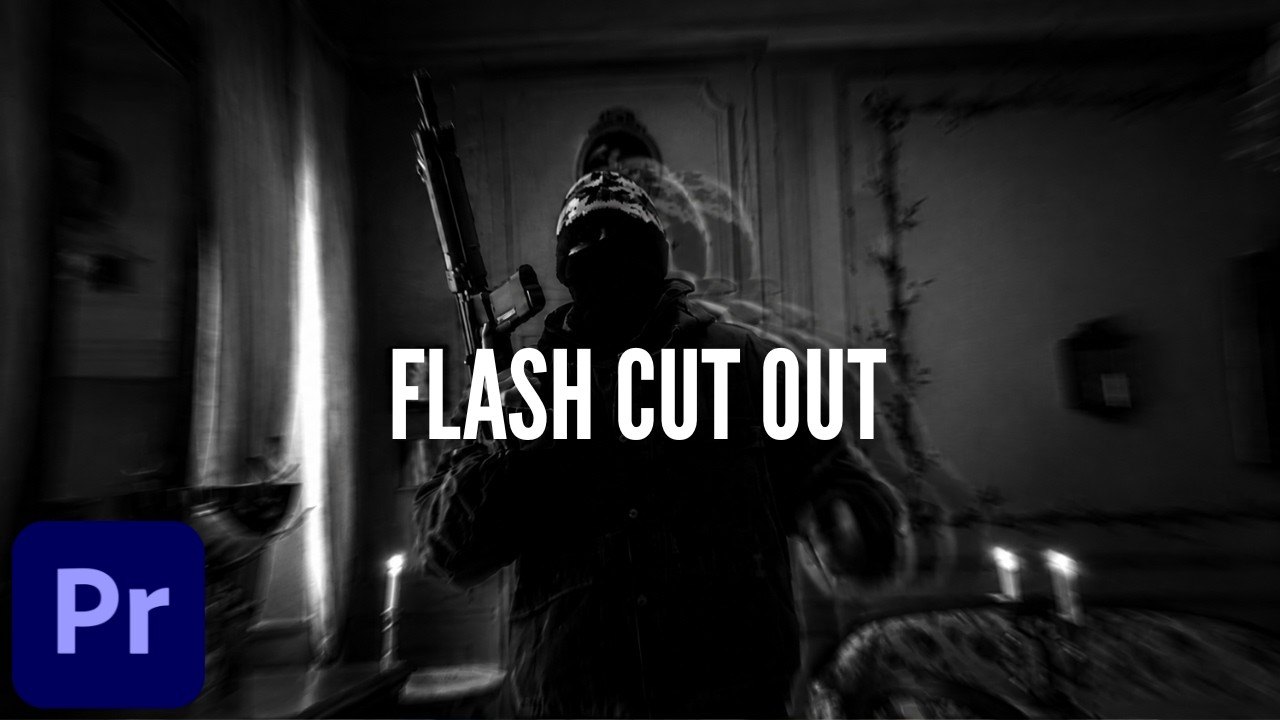
A free Premiere Pro project file from Miracamp that recreates a flash cut-out transition, the punchy white-flash cut seen in music-video style edits. The effect is built with standard effects and keyframes only, so no plugins are needed and every step can be inspected on the timeline.
The download folder on Google Drive, linked from the video, contains 'Flash Cut Out Project File.prproj' together with the example clips used in the tutorial; some of those clips come from a downloaded music video, so treat them as study material rather than reusable footage. Good practice for editors learning keyframed transitions.
What You Can Learn
- White-flash / cut-out transition made with standard effects and keyframes
- Read the exact keyframe timing on the included example clips
Access: Free direct download