Free Resolve Fusion Custom Sprite Particles Setup (Gargoyles At Work)
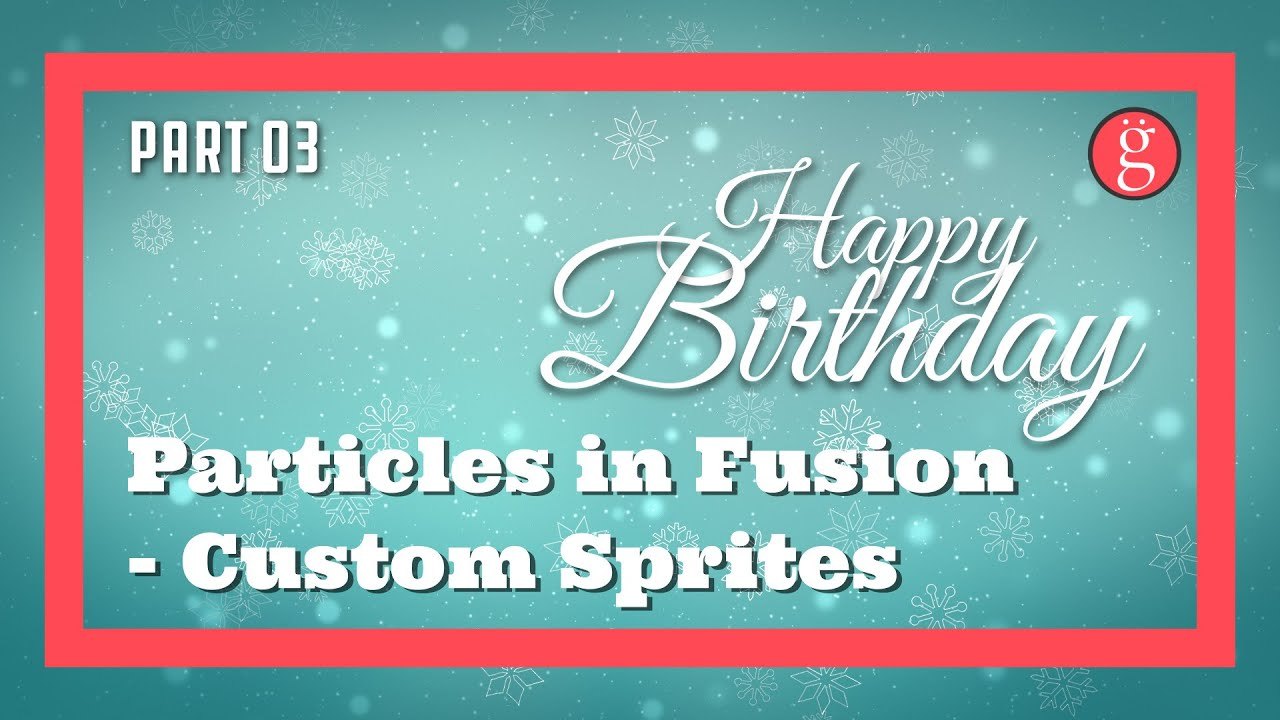
Original title: Part 3 - DaVinci Resolve Fusion Particles - Custom Sprites & Adapting Free Templates
Overview
Part 3 of Gargoyles At Work's beginner series on DaVinci Resolve Fusion particles focuses on custom sprite particles and on adapting free templates to your own needs. The network uses pEmitter and pRender nodes with bitmap sprites drawn from image sequences, showing how to replace default particle shapes with your own artwork.
Instead of a project file, the node tree is shared as Fusion 'source code' text (P7.txt) that you copy and paste into the node editor, plus a rendered video, all as a free direct download from Google Drive; the sprite images themselves may not be included, and no Studio license is needed.
What You Can Learn
- Creating custom sprite/bitmap particles from image sequences in Fusion
- Pasting a Fusion node network from 'source code' text into the node editor
- Adapting free Fusion particle templates to your own project
- Combining pEmitter and pRender nodes for a particle system
Access: Free direct download