Free V-Ray 3ds Max Getting Started Practice Scene (Chaos)
Original title: Getting Started with V-Ray for 3ds Max

Overview
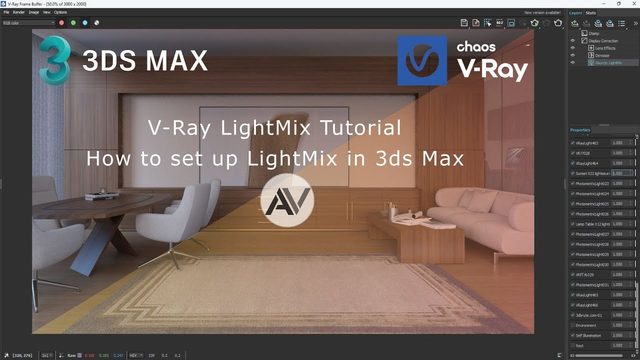
The 'Getting Started' practice scene from Chaos' official V-Ray for 3ds Max beginner series, the first episode in the set. The video uses it to show how to set V-Ray as the active renderer, where the V-Ray toolbar lives, how the basic render settings work, and how to create V-Ray materials and maps in the Material Editor.
The scene is a free direct download from Google Drive via a bit.ly link in the video description, and V-Ray must be installed. Ideal for absolute beginners opening V-Ray for the first time.
What You Can Learn
- Setting V-Ray as the renderer and using the V-Ray toolbar
- Creating V-Ray materials and maps in the Material Editor
Access: Free direct download