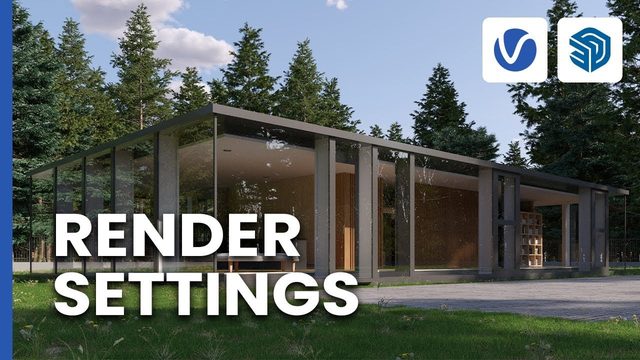
Free V-Ray for SketchUp Exterior Scene: Placing Chaos Cosmos Assets
Original title: Complete Project Setup – Populating your scene, Part 1: Placing Chaos Cosmos Assets (practice scene)
Overview
This is the practice scene for 'Populating your scene, Part 1: Placing Chaos Cosmos Assets' from the official Complete Project Setup series in the V-Ray for SketchUp documentation, presented by Chaos' Boyan Petrov. The model is a Scandinavian-style house exterior used across the series; this part sets up V-Ray Interactive, adds an infinite plane and imports vegetation from Chaos Cosmos to build a memory-efficient environment.
The SketchUp scene is a 28 MB Google Drive download with no login required, and the HDRI and texture assets come from a separate shared folder; V-Ray for SketchUp is required. It suits archviz users learning exterior setup in V-Ray.
What You Can Learn
- Setting up V-Ray Interactive rendering
- Adding an infinite plane as the ground for an exterior scene
- Importing Chaos Cosmos vegetation to build a memory-efficient environment
Access: Free direct download